Kuba - cube simulator
Keyboard Controls
Layer Rotations:
-
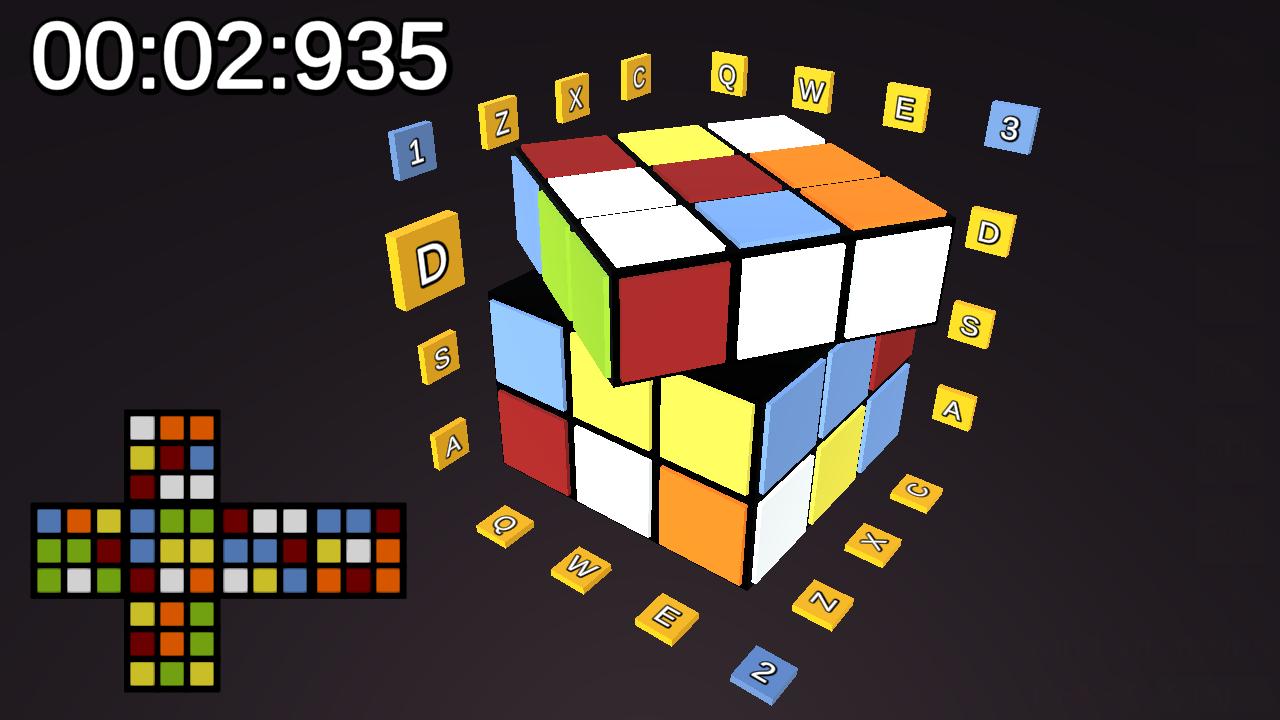
Q,W,E– Rotate left, middle and right layer; along X axis -
A,S,D– Rotate lower, middle and upper layer; along Y axis -
Z,X,C– Rotate front, middle and back layer; along Z axis
Whole Cube Rotations:
-
Numpad7,Numpad9– Flip the cube along left or right -
Numpad4,Numpad6– Rotate the cube along left or right Numpad5,Numpad8– Rotate the cube along forward or backwardNumpad1,Numpad2,Numpad3– Rotate cube along X, Y, Z axes
Whole Cube Rotations (alternative):
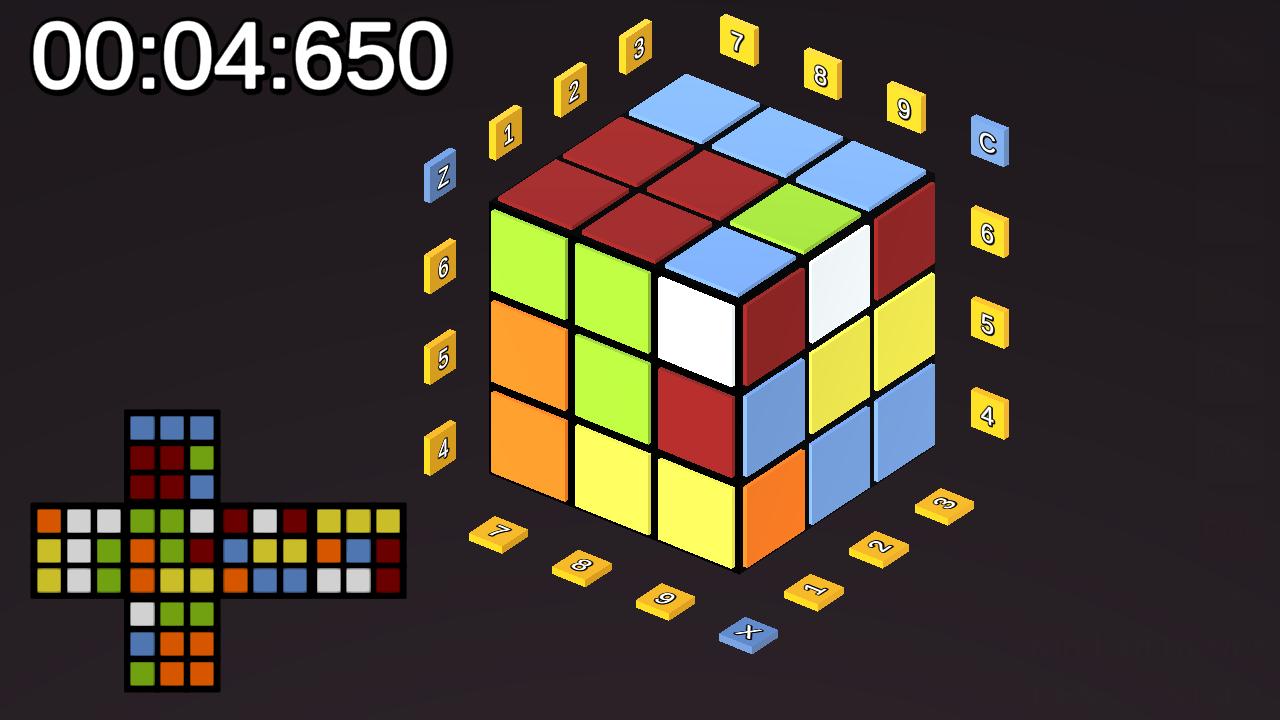
- You can also rotate the cube with keyboard keys 1-9
Modifiers:
ShiftorNumpad+– Reverse rotation directionSpaceorNumpad0– Press and hold for left-hand layout:- Use QWE ASD ZXC to Rotate the whole cube instead of a single layer
- Use 789 456 123 to Rotate single layers instead of whole cube.
Other Keys:
-
F– Read and set colors -
J– Play instructions audio -
+/-– Increment / decrement moves counter -
R– Press and hold to start random sequence -
Escape– Quit application -
F1– Reset cube -
F2– Randomize cube -
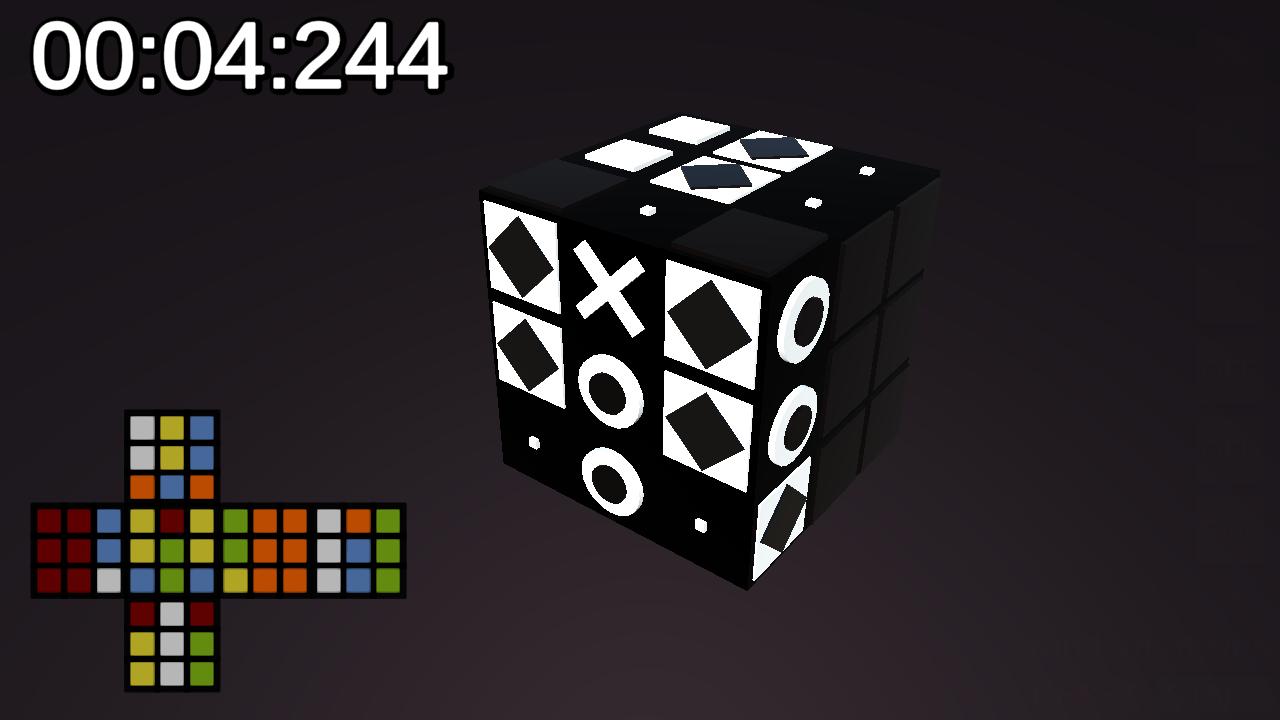
F3– Change reader style -
F4– Toggle camera projection -
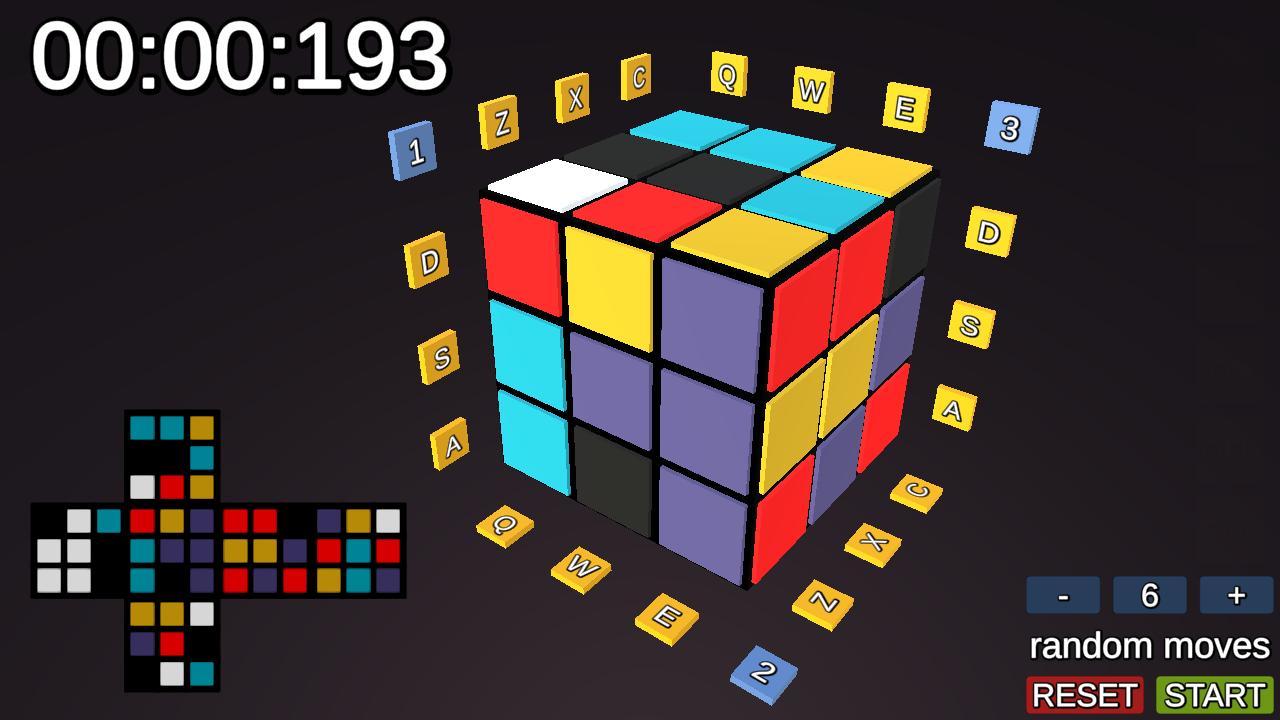
F5– Set colorblind colors -
F6– Toggle rotate buttons visibility -
F7orTab– Toggle left-hand mode
Notes:
-
Left-hand mode swaps certain key functions for ergonomic use.
-
Modifier keys (Shift, Space, Numpad+) change rotation direction or switch between layer vs whole-cube rotation.
Changing Tile Color
-
Start editing: Press and hold Right Mouse Button on a color tile of the cube.
-
Adjust color:
-
Move mouse Left/Right – change hue.
-
Move mouse Up/Down – change brightness (luminosity).
- Release RMB.
Notes:
Colors will come back to default after changing the color set.
Click on timers or map to hide.
2. Controller Buttons
Shoulders / Triggers:
R1/L1/R2/L2– Rotate layers according to pressed face button
Face Buttons (A/B/X/Y):
-
Toggle layer selection for L1/R1/L2/R2 rotations
| Button/Modifier | A | B | X | Y | |
|---|---|---|---|---|---|
| R1 | E- | D+ | C- | Z- | A+ |
| R2 | E+ | A+ | C+ | C- | A- |
| L1 | Q- | D- | Z- | Z+ | D+ |
| L2 | Q+ | A- | Z+ | C+ | D- |
D-Pad:
-
Up/Down– Rotate cube forward or backward -
Left/Right– Rotate cube left or right Left/Right+ A/B/X/Y– Flip cube left or right
Start / Select:
-
Start– Randomize cube -
Select– Reset cube Navigate Left stick– View and rotate the cube
Navigate Up/Down Right stick– Choose UI Button
Navigate Left/Right Right stick– Decrement / Increment random moves number
Press Right stick– Submit button
Download
Click download now to get access to the following files:
Leave a comment
Log in with itch.io to leave a comment.